Wedding seating chart maker · free · no account
Free wedding seating chart maker
Paste your guest list, drag people onto tables, let the planner seat the rest. Everything stays in your browser. Print the chart when it's final.
- Free to plan, unlimited guests
- No account, nothing uploaded
- Works on phone, tablet and laptop
How to make a wedding seating chart here

- 01
Add your guests
Type names, paste a list, or import the CSV from Excel or Google Sheets. Keep RSVP, meal and allergy notes on each guest.
- 02
Build the room
Round, long, square and oval tables plus a head table. Set seats per table, drag them around, add the dance floor, bar and cake table.
- 03
Seat everyone
Drag a guest onto a table or tap a seat. Add 'keep together' and 'keep apart' rules, then press Auto-seat to fill what's left.
- 04
Print the chart
A seating poster for the entrance, place cards, an alphabetical list and a catering list, all as print-ready PDFs.
Wedding seating chart templates
Six print templates designed as a set: same layout engine, different type and ornament. Simple is free to print; the other five come with the print pack.
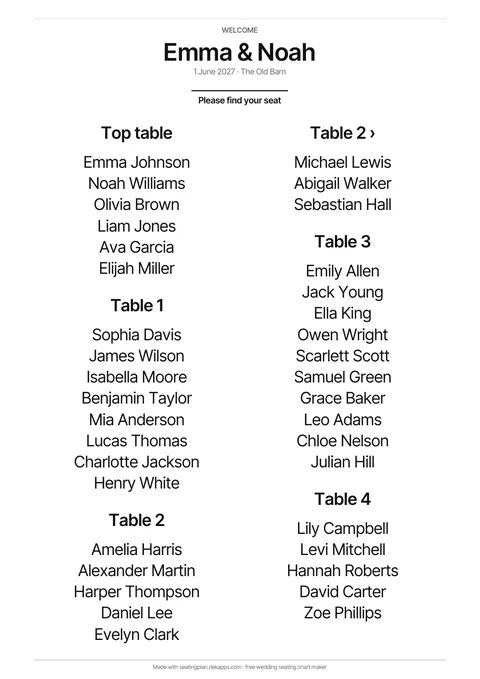
SimpleFree
Clean sans-serif on white. Prints free with a small credit line.
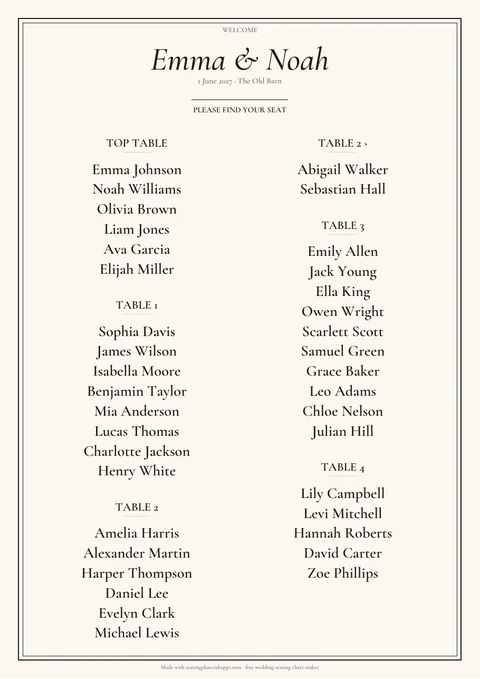
EditorialIn the print pack
Italic serif title, double-rule frame, ivory paper.
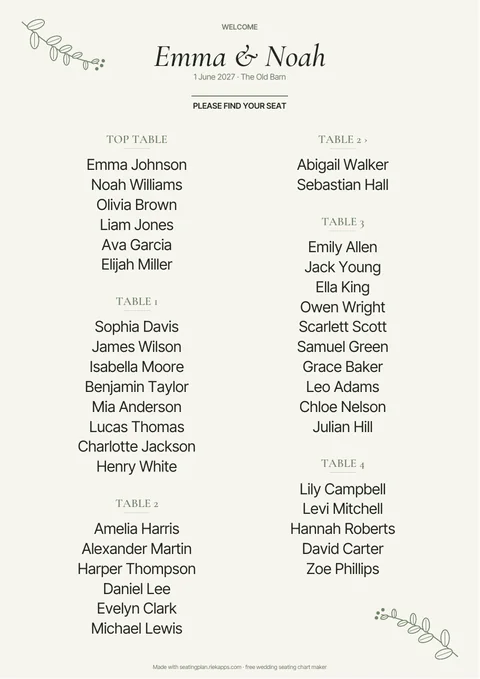
BotanicalIn the print pack
Eucalyptus line art in the corners, sage accents.
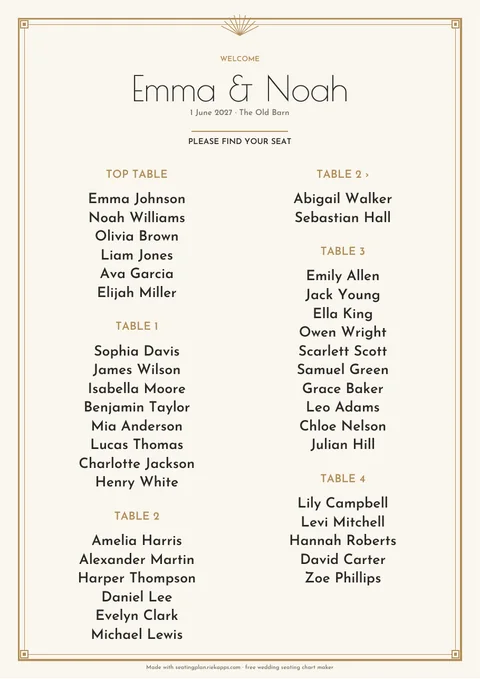
Art DecoIn the print pack
Gold geometric frame, sunburst and tracked capitals.
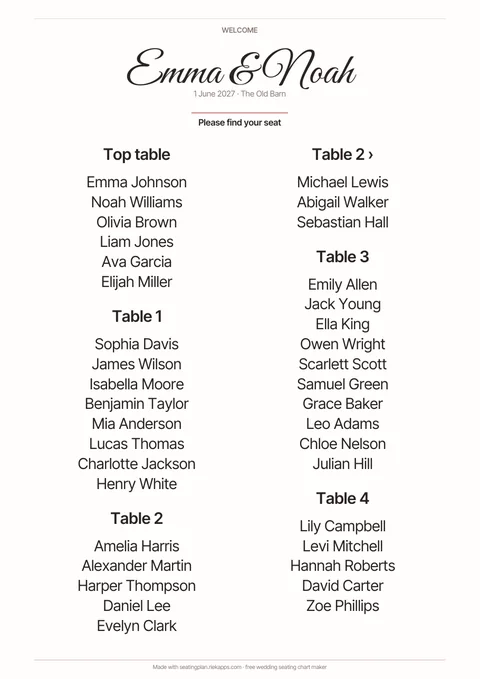
CalligraphyIn the print pack
Calligraphic couple's name, blush rules.
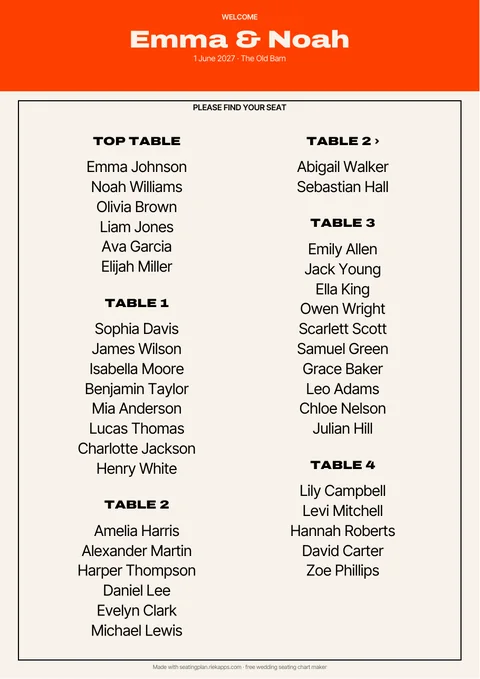
TerracottaIn the print pack
Bold orange header band and wide display type.
Everything a seating chart tool should do
Excel in, Excel out
Import a CSV from Excel, Numbers or Google Sheets. Export your finished plan back to CSV any time.
Together and apart rules
Keep couples and families together, keep the exes apart. The planner warns you the moment a rule breaks.
One-click auto-seat
Fills the free seats by group while keeping every seat you placed by hand.
Saved in your browser
No sign-up and no upload. Download a backup file to move between devices.
Alphabetical or by table
Print the poster the way your guests will read it: by table number, or A to Z by last name.
English, French and Spanish
Same planner, three languages, with print layouts that match each one.
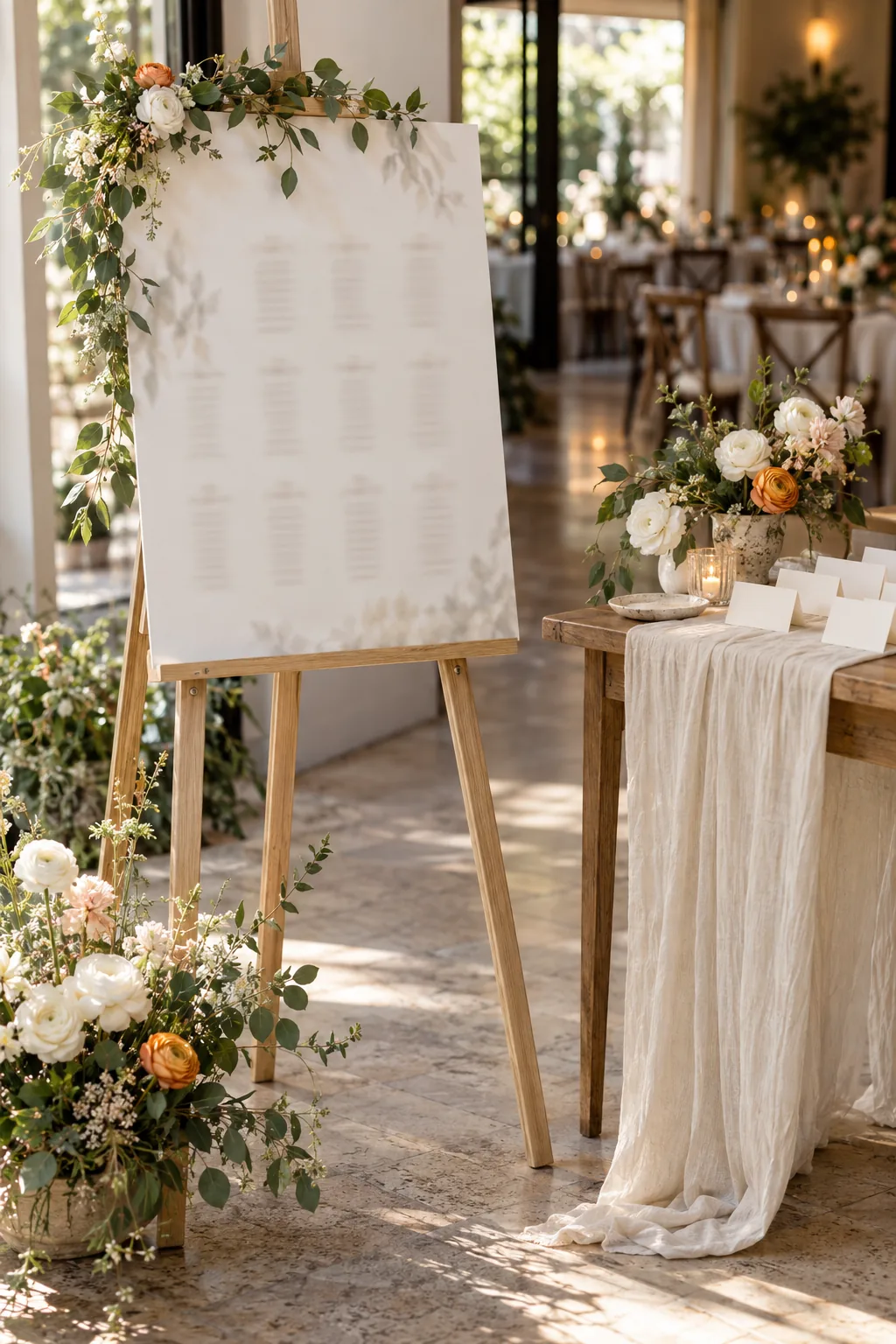
Print pack
Plan for free. Pay once when the chart is final and download every PDF, as many times as you revise it.
- Six print templates: Simple is free, five designed ones in the pack
- Seating poster in A1, A2, A3, A4 or Letter
- Place cards, four per sheet, fold-over
- Alphabetical guest list with table numbers
- Table-by-table list for the venue
- Catering list with meals and allergies
Planning, importing, auto-seat, CSV export and the Simple template are free forever.
A wedding seating chart maker, not a template
Most 'free wedding seating chart templates' are a PDF or a Canva page where you type names into boxes. That works until the first RSVP changes. A seating chart maker keeps the guest list and the room plan connected: move one person and every list, poster and place card updates.
This planner was built for couples who have the guest list in a spreadsheet and the venue's floor plan in an email. Import the list, draw the room with the real table shapes and seat counts, and use the together and apart rules to encode the family politics once. The auto-seat button fills the gaps by group and never moves someone you placed by hand.
When the plan is final, the print pack gives you the seating chart poster for the entrance in A1, A2, A3, A4 or US Letter, fold-over place cards, an alphabetical guest list with table numbers, a table-by-table list for the venue coordinator, and a catering list with every meal choice and allergy note. Pay once, revise as often as you like.
Wedding seating chart questions
- Is this wedding seating chart maker really free?
- Yes. Adding guests, building the room, seating people and exporting to CSV are free with no account. Only the print-ready PDFs (poster, place cards, lists) are a one-time €9.90 unlock.
- Should a wedding seating chart be alphabetical or by table?
- If you have more than about 80 guests, alphabetical by last name is faster to read at the entrance. For smaller weddings, by table lets guests see who they sit with. The print pack includes both layouts.
- Can I make a wedding seating chart in Excel and import it?
- Yes. Export your sheet as CSV with a 'name' column (optional: group, meal, rsvp, note) and drop it into the planner. You can also paste names straight from a column.
- How many guests fit on a round table?
- Eight on a 60-inch (150 cm) round, ten on a 72-inch (180 cm) round. Long banquet tables seat about one guest per 60 cm (2 ft) on each side.
- When should I make the seating chart?
- Start the room as soon as you know the venue layout, and seat guests one to two weeks before the wedding, once the last RSVPs are in. Edits take seconds here, so you can leave the final version to the last few days.
- Does it work on my phone?
- Yes. The planner runs in any modern browser. Phone screens show the guest list and room as two panels you switch between.
- Where is my data stored?
- In your browser only. Nothing is uploaded. Download a backup file to keep a copy or to open the plan on another device.
Free wedding seating chart maker
Start your seating chart