Free wedding seating chart maker
Wedding seating chart template
A seating chart template is usually the first thing couples download and the first thing they abandon. Most are a picture of the finished poster, so every RSVP change means retyping. Here is what a template actually has to hold, how to keep it editable until the week of the wedding, and what size to print it.
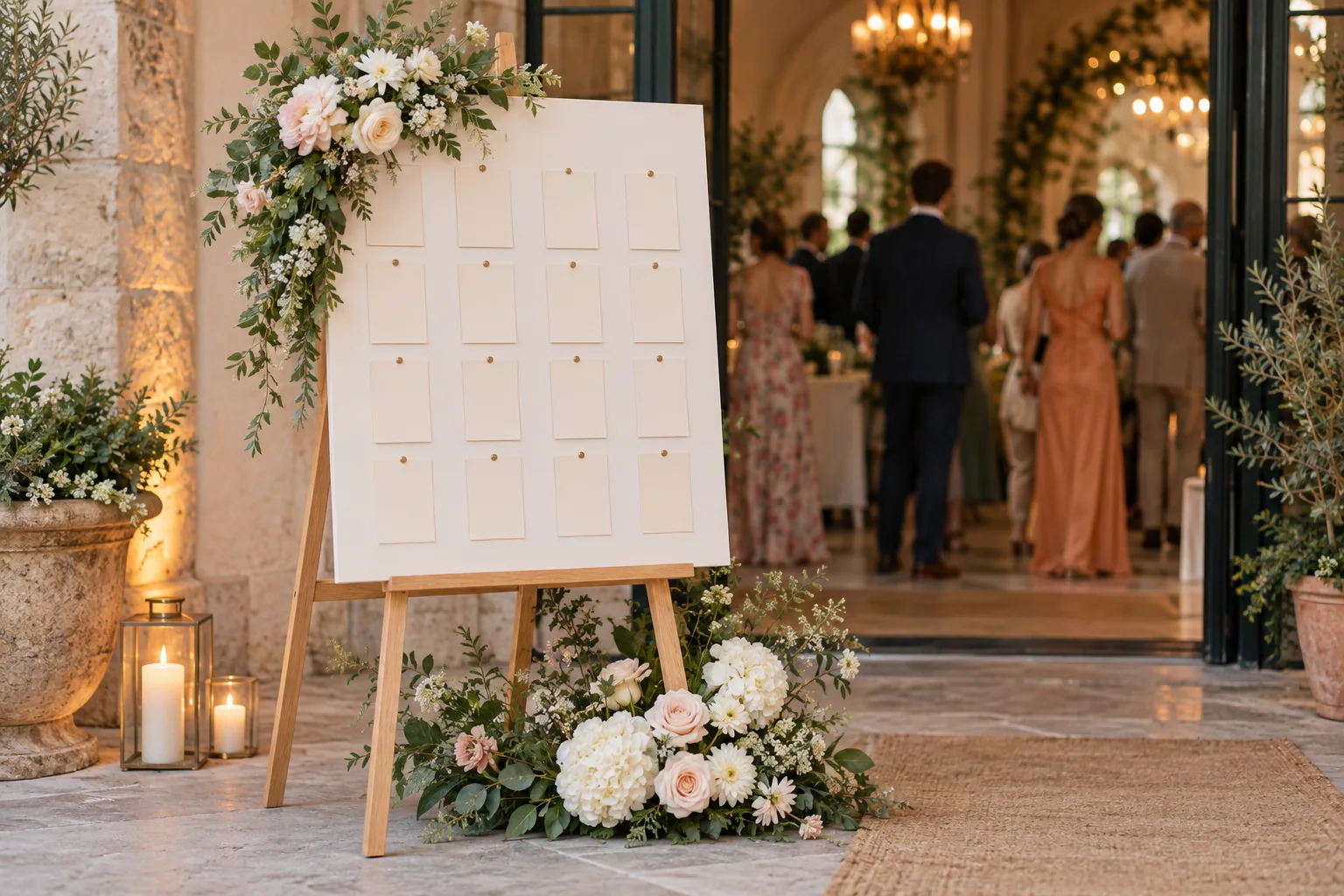
Why wedding seating chart templates break
Most free templates are a Word, Canva or PowerPoint page with twelve boxes labelled Table 1 to Table 12. They look finished, which is the problem: the names are typed straight into the design. The first time a cousin cancels, a plus-one appears or your parents ask to swap two tables, you are editing a poster, not a plan. With an alphabetical layout it is worse, because removing one surname reflows the whole column and the carefully balanced two-column design falls apart.
A template that survives wedding planning separates the data (who sits at which table) from the artwork (how the poster looks). The data lives in a list you can sort, filter and count. The poster is generated from it, so it can be regenerated in a minute after the final RSVP deadline. Any spreadsheet does the first half; a seating planner does both, and lets you keep the list, the floor plan and the printable chart in sync.
What a wedding seating chart template should include
Whichever tool you use, the template needs the same fields. Missing ones are the usual cause of a last-minute scramble with the caterer or the stationer.
- One row per guest, not per household, with the full name as it should be read at the entrance (Dr Priya Shah, not 'Priya + 1').
- A table name or number for each guest, and a seat number if you are also doing place cards.
- RSVP status (yes, pending, no), so pending guests can be seated provisionally and dropped without deleting them.
- Meal choice and dietary notes or allergies. The caterer will ask for these by table, so they belong in the same list.
- A group or side (family, friends, colleagues) to make balancing tables and spotting lonely guests easier.
- The table layout itself: which tables are round or long, how many seats each has, where the dance floor, bar and cake table are.
- The outputs: the poster, an alphabetical list, a table-by-table list, place cards and a catering list, all from the same data.
Free wedding seating chart template: CSV plus poster
The simplest free template is a spreadsheet with five columns: name, group, meal, rsvp, note. You can type that into Excel or Google Sheets in a minute, and it imports directly into the free Seating Plan planner, which recognises those headers (and common variants such as 'guest', 'side', 'diet', 'status' or 'allergies') and also offers a sample CSV to download, fill in and import if you would rather start from a working example.
Once the list is in, add tables (round, long, square, oval or a head table), drag guests onto seats or use auto-seat, and the poster, lists and place cards are produced from that layout. Planning is free and nothing is uploaded; the finished PDFs are a one-time print pack, and your assignments can be exported back to CSV at any time, so the template stays yours.
Wedding seating chart template by table or alphabetical
A by-table template lists each table with its guests underneath. It reads like the room and works well up to about 60 or 70 guests, when a guest can scan every table in a few seconds. An alphabetical template lists every guest by surname with a table number next to the name. It is the faster read for larger weddings, because a guest jumps straight to their letter rather than reading twelve lists.
You do not have to choose at the start. If the names and table assignments live in a list, both layouts are a formatting decision made the week you print. Many couples put an alphabetical chart at the entrance and give the venue coordinator the table-by-table list, which is the version staff actually use. There is a separate guide on alphabetical versus by-table seating charts if you are undecided.
Wedding seating chart template sizes: A1, A2, A3, Letter
Poster size follows guest count and reading distance. Guests read the chart standing a step or two away, often in a queue, so names need to be clearly legible from about a metre. Larger text and fewer columns mean a larger sheet.
- A1 (594 x 841 mm, about 23 x 33 in): the usual choice for 100 to 200 guests, and the size most UK print shops expect for a table plan. Mount on foam board and stand on an easel.
- A2 (420 x 594 mm, about 16.5 x 23 in): comfortable for roughly 60 to 120 guests, or for a two-column alphabetical list. Still large enough to read in a queue.
- A3 (297 x 420 mm, about 11.7 x 16.5 in) and Letter (8.5 x 11 in): fine for small weddings of 30 to 50 guests, for a framed chart on a table, or as spare copies for the venue and caterer.
- Printing at home: one page per table on A4 or Letter, framed on each table, works for any guest count.
Free wedding seating chart maker
Paste your guest list, drag people onto tables, let the planner seat the rest. Everything stays in your browser. Print the chart when it's final.
Wedding seating chart questions
- Does Excel have a wedding seating chart template?
- Not a built-in one. Excel has generic list templates, and a five-column sheet (name, group, meal, rsvp, note) is all you need. Draw the room and print the poster elsewhere.
- What size should a wedding seating chart be?
- A2 for most weddings under about 120 guests, A1 for 100 to 200 guests. Letter or A3 only for very small weddings or a framed chart on a table.
- Is there a free wedding seating chart template?
- Yes. A five-column spreadsheet (name, group, meal, rsvp, note) is a complete template, and free online planners accept it as a CSV without an account.
- Should a wedding seating chart template be by last name?
- For weddings over about 80 guests, yes, alphabetical by surname is quicker to read. Smaller weddings can list guests by table.